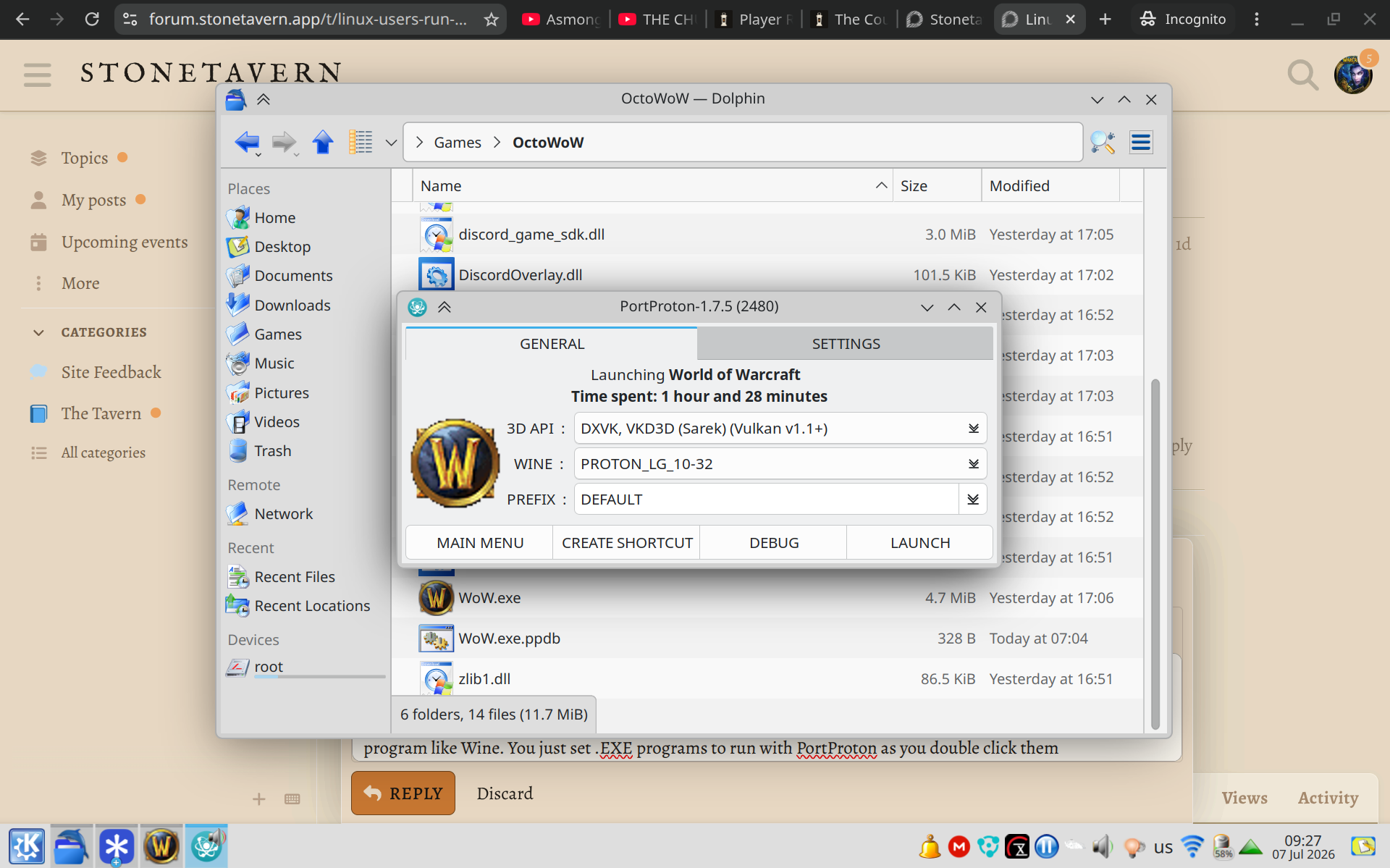
While Linux is not officially supported, using the Faugus Launcher worked flawlessly for me. Download and unzip the .zip, double-click the .exe, and Faugus will pick it up and run with it.
I’m sure there are many other ways people will use/discover, but this worked for me (on Bazzite)
I have found an easier way. When I moved to Linux I was originally using Wine to run games and sometimes it stopped workin.
I found on the app store a program called PortProton that takes Steam’s Proton and makes it a standalone program like Wine. You just set .EXE programs to run with PortProton as you double click them and that’s how I’ve been playing games on Linux for the last 2 years.